
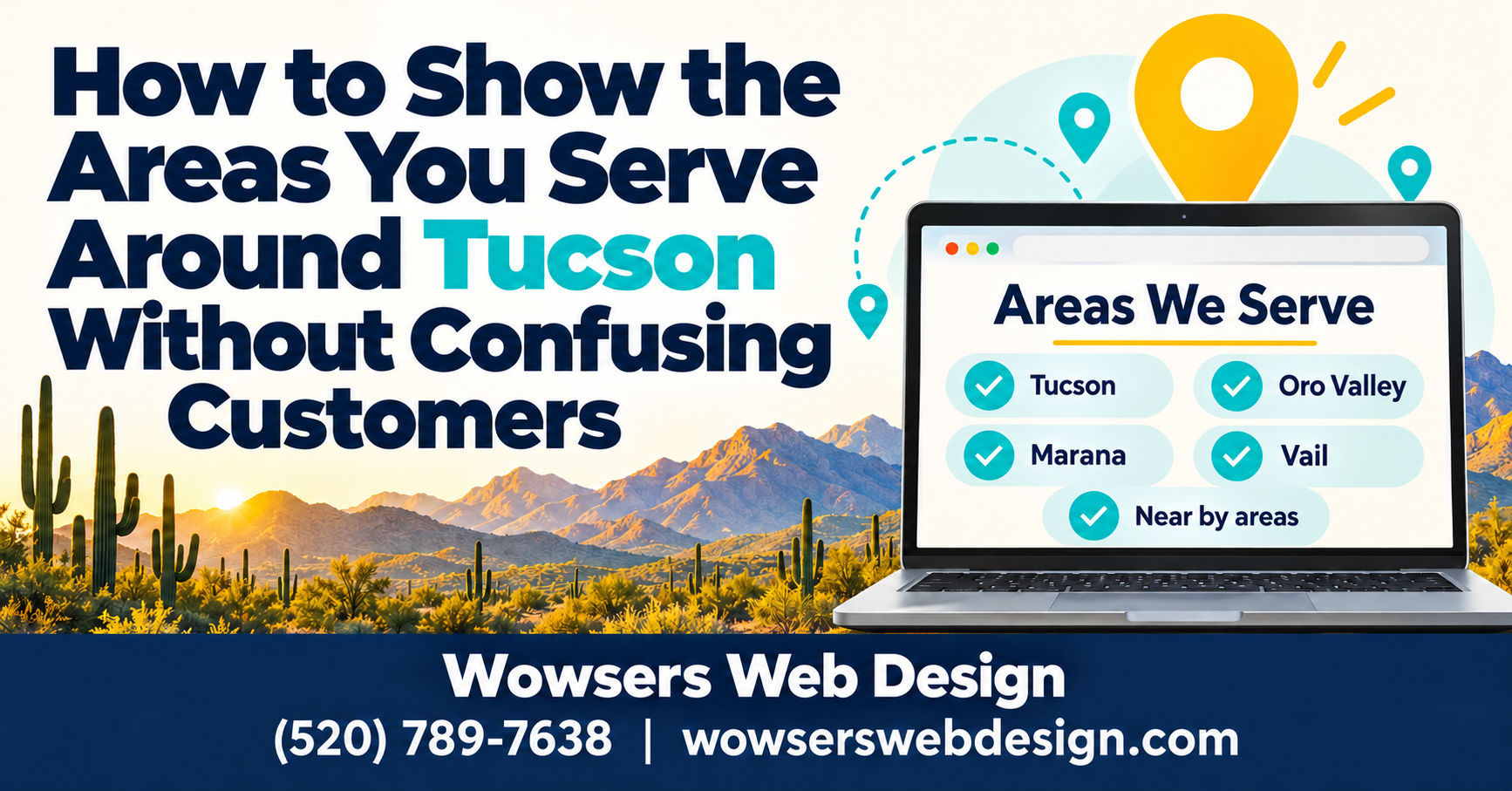
Customers who can't tell whether you serve their part of Tucson may leave before they call. A Tucson business service area website should answer that question quickly, without making visitors decode a map or hunt through several pages.
Clear coverage details build trust and help people decide whether to call or send an inquiry. Start with the places you truly serve, then explain any limits that affect availability.
How to Show the Areas You Serve Around Tucson Without Confusing Customers
Use familiar place names and honest boundaries. Your coverage list should reflect the work you're willing and able to accept.
Name the communities you actually serve
Tucson, Oro Valley, Marana, and Sahuarita are examples to check against your actual coverage, not a ready-made list. Include a community only when your business works there.
A broad claim like "all of Southern Arizona" leaves too much room for interpretation. Instead, name the cities or communities customers recognize. If you serve only part of Tucson, explain those boundaries with neighborhood names or verified ZIP codes.
Set clear expectations about distance and availability
State any travel limits, extra fees, or differences in services by area. If farther appointments require advance scheduling, say so before someone requests a same-day visit.
Also, check the list against your dispatch capacity. A place shouldn't stay on your website if your team regularly turns down work there. Review coverage whenever staffing, routes, or the services you offer change.
What a Tucson business service area website needs to show
Put coverage where people decide whether your service fits their needs. Don't make the contact page their only source of answers.
Make the service area easy to scan on every page
Add a short coverage list beside relevant service details. Keep the wording consistent across pages, and use a dedicated service area page when fees, boundaries, or scheduling need more explanation.
A map can help visitors get oriented, but pair it with written place names. A shaded region alone doesn't clearly tell someone whether their address qualifies.
Coverage is one of the website features for Tucson service businesses that helps visitors make an informed decision.
Help visitors take the next step
A Tucson business service area website should put a phone number or contact button near the coverage details. On mobile, make the phone number tappable and keep the button easy to reach.
Give unlisted communities a clear next step: ask visitors to call or submit their ZIP code for confirmation. That invitation lets you evaluate the request without promising service everywhere.
Create useful local pages without making false promises
Your Tucson business service area website doesn't need a separate page for every nearby community. Add pages when they answer different customer questions.
Give each location page a real reason to exist
A local page earns its place when you have useful details for that community. Explain which services you offer there, any travel charges, and how appointments work.
Explain any real scheduling differences between Marana and Tucson if you serve both. Customer projects or testimonials can add context, but use genuine material and get permission before sharing identifying details.
Keep local claims honest and useful
Don't duplicate a page and swap Tucson for Oro Valley. Repeated copy gives customers little help, especially when every page makes the same vague promises.
Also, label these as areas served, not office locations. A community page doesn't establish a physical business address. Wowsers Web Design's Tucson SEO services for small businesses include help with useful service area pages when they're needed.
Keep your Google Business Profile and website in sync
Keep your Tucson business service area website consistent with Google Business Profile. Customers shouldn't see one coverage list on Google and another on your site.
Choose areas that match your actual routes
Google Business Profile allows up to 20 service areas, such as cities or postal codes. It doesn't offer a radius setting.
Google also advises keeping the overall area generally within about a two-hour drive of your business base. That's a driving-time guideline, not a fixed mileage limit; some businesses may appropriately cover larger areas.
Check Google's guidance on managing service areas before editing your profile. List only places you truly serve, rather than filling every available slot.
Show an address only when customers can visit
If your service-area business doesn't serve customers at its address, hide that address on your profile. You can still tell customers which communities you cover without publishing your home address.
A hybrid business that receives customers at its address and travels to customers can list both. However, don't present a virtual office as an eligible storefront or use a local service page to imply a staffed location.
Make Your Coverage Clear Before Customers Call
Clear place names and honest limits reduce uncertainty. Helpful website details and a matching Google Business Profile give customers a clearer path to the right service.
For help planning a clear, mobile-friendly Tucson business service area website, call Wowsers Web Design at (520) 789-7638. You can also contact Wowsers Web Design to discuss your coverage and website.
About Wowsers Web Design
Wowsers Web Design is a Veteran/Woman owned, Tucson Web Design Company. We build affordable WordPress websites for small businesses, home-based businesses and non profit organizations. Transparent Pricing - No Surprises - No Hidden Fees. We have clients throughout Tucson AZ and across the United States.
Check out our affordable WordPress Web Design Packages.
Learn more about Splitting Your WordPress Website Design Payments
Check out our WordPress Website Maintenance Plans
Please take a moment to review the Wowsers Web Design FAQs
Give us a call today (520) 789-7638 or Send us an email if you have questions.
Read our Testimonials
Please visit our Link Tree Page.